DON’T DIE
FULL PLAYTHROUGH VIDEO
Platform: PC/Windows.
Game Engine: Unreal Engine.
Project Length: 2 Weeks.
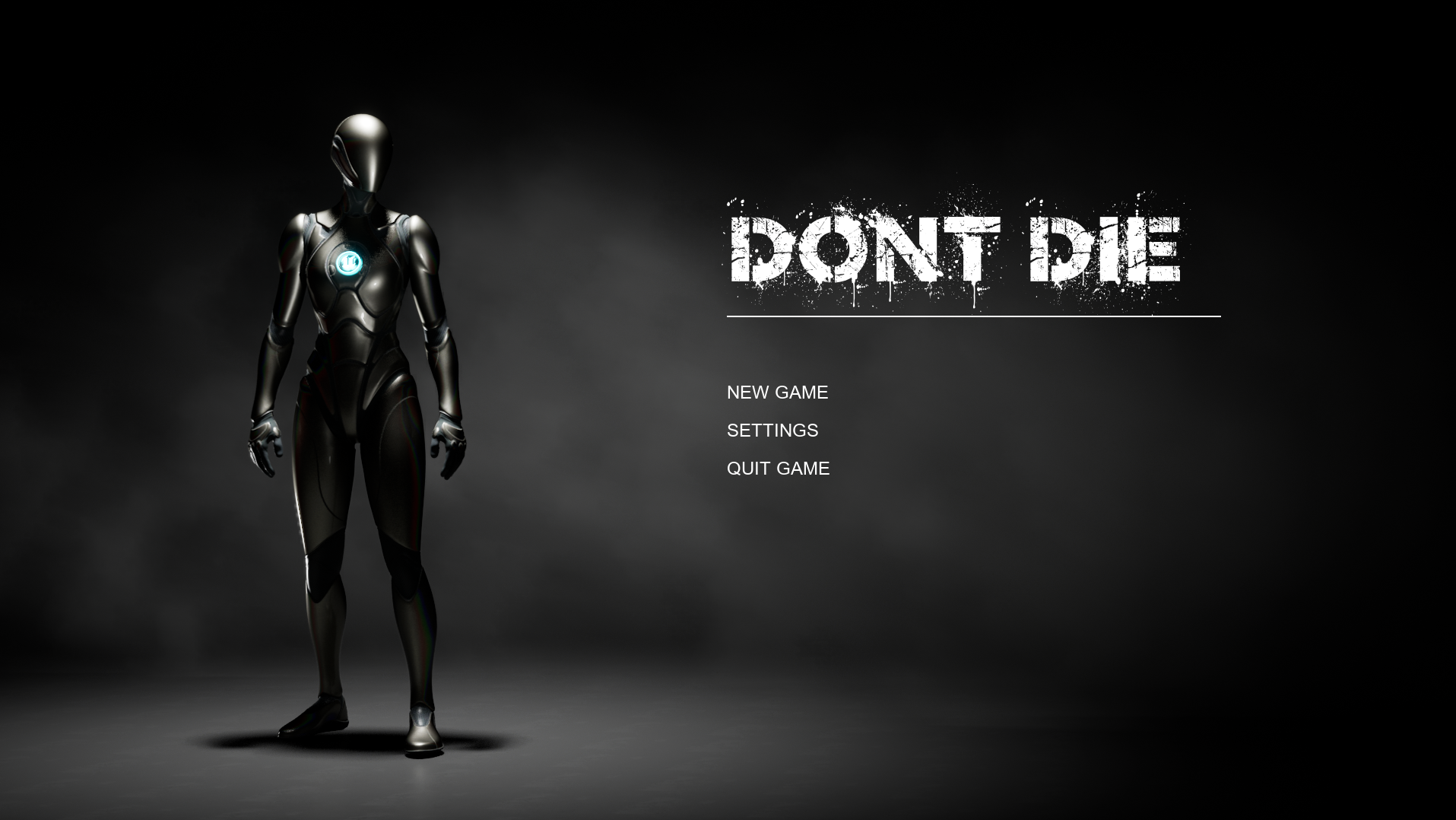
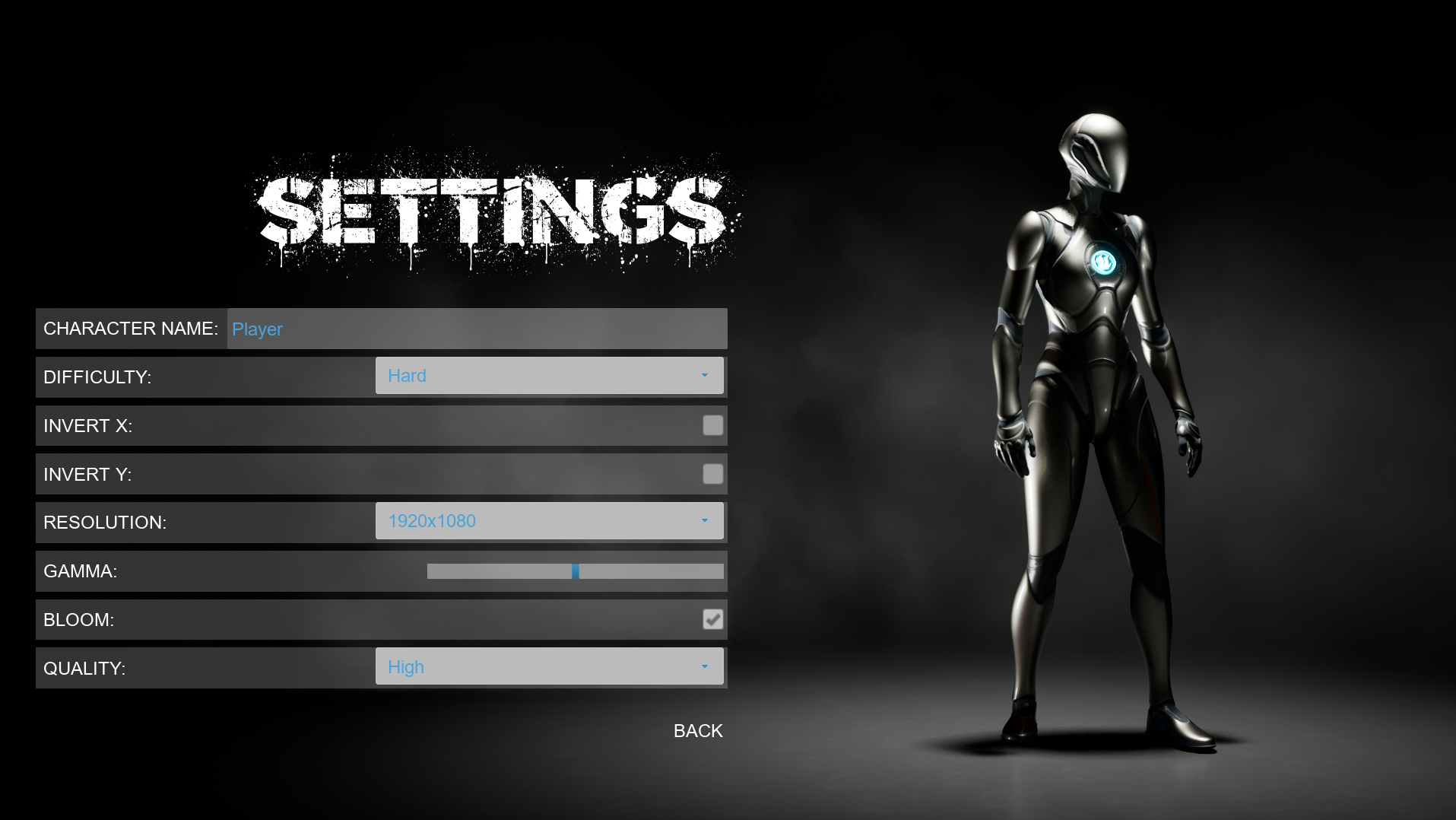
Description: Don’t Die is a minimalist game created with a strong focus on UI/UX design and technical menu systems rather than complex gameplay. The project showcases a fully interactive and functional main menu experience, including game options such as resolution control, fullscreen toggles, graphics quality, bloom settings, and difficulty selection. Built to demonstrate clean user flow and polished presentation, the game emphasizes responsiveness, clarity, and usability across all interface elements. Don’t Die serves as a technical showcase of designing and implementing production-ready UI systems, highlighting attention to detail and an understanding of player-facing tools that enhance overall game experience.
CMD+SCROLL OR CTLR+SCROLL - ZOOM IN AND OUT.
RIGHT CLICK - NAVIGATE AROUND THE BLUEPRINT.
FULLSCREEN - SIMILAR INTERACTION TO UE BLUEPRINTS.
HOW I MADE IT?
SETTINGS MENU
MAIN MENU
PLAYER CHARACTER
DESCRIPTION:
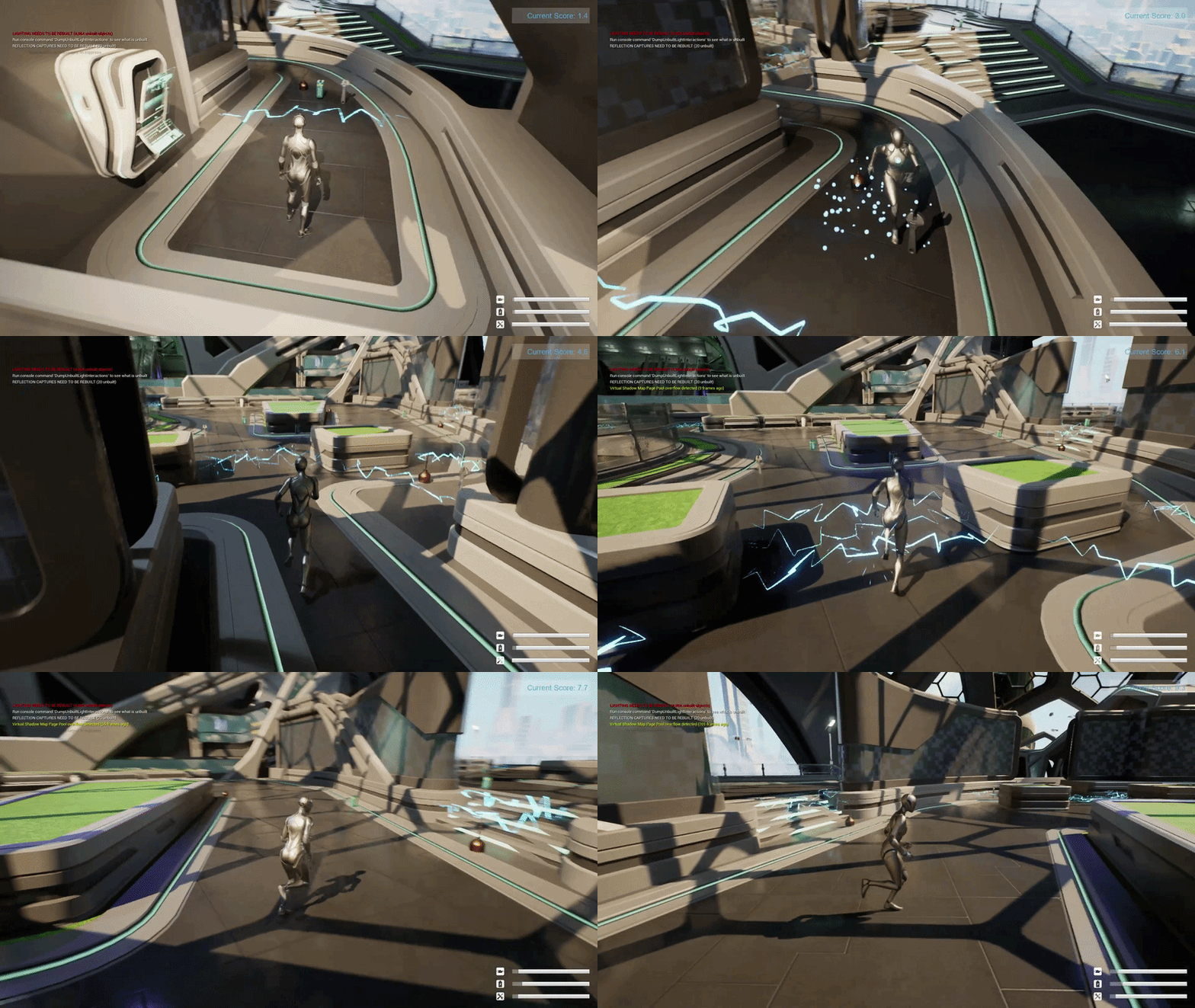
This player character system handles the character movement and also full camera-driven movement using Enhanced Input, allowing smooth forward and vertical control with responsive camera rotation in the main menu for seamless transition between pages.
SETTINGS MENU AND MAIN MENU
CORE GAMEPLAY IMPLIMENTATION
DESCRIPTION:
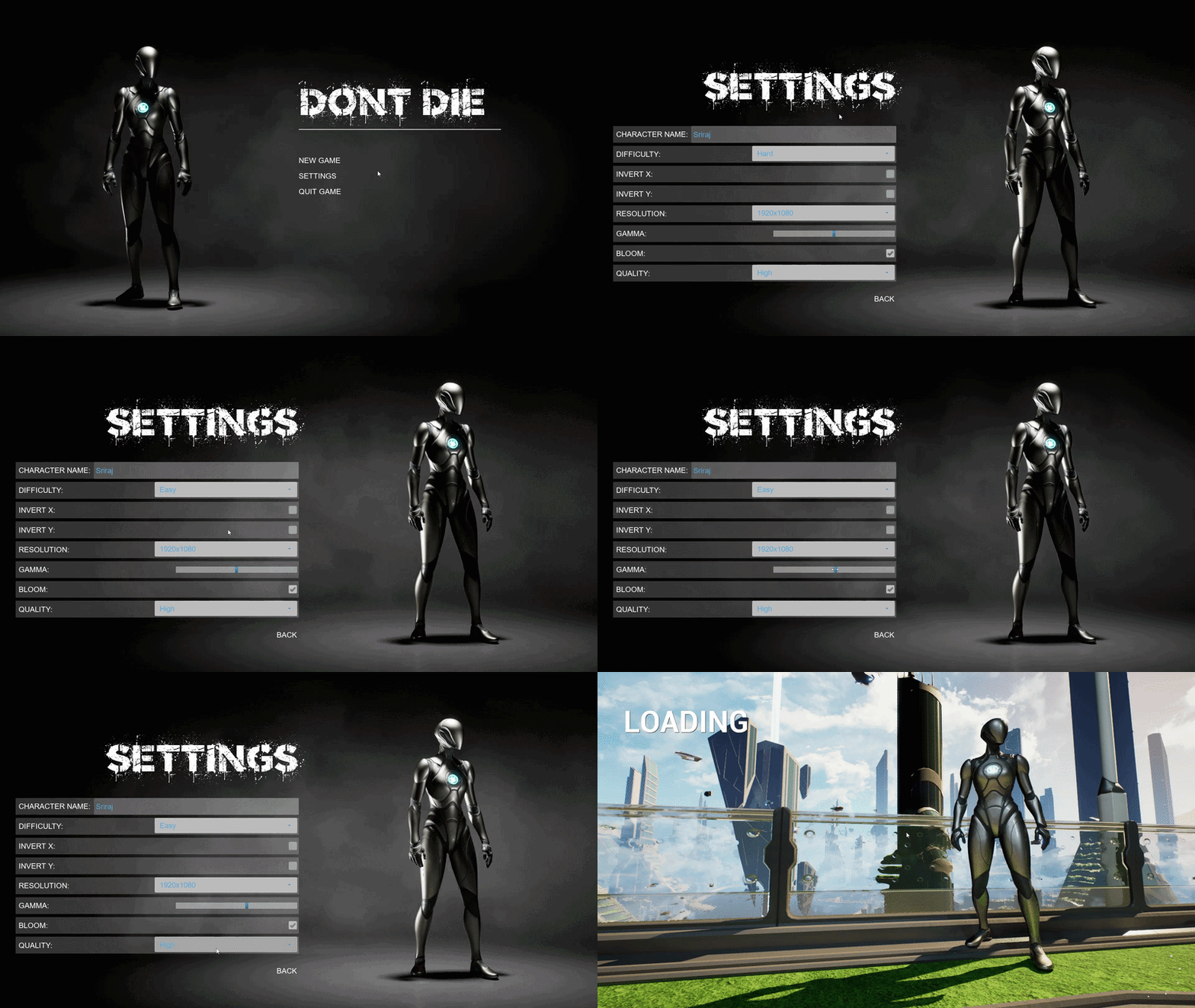
This is the game settings blueprints, let’s players change options like resolution, full screen/window mode, quality, and other graphics preferences in a clean, reliable way. It applies the selected values immediately, saves them for future sessions, and keeps the UI in sync so the menu always reflects the player’s current settings.
This main menu setup focuses on making the first interaction feel clear and polished. Buttons respond visually on hover, handle clean transitions into gameplay with a short loading screen, open settings with smooth animations, and manage quitting or confirmation flows while correctly switching input between UI and game so everything feels intentional and smooth.
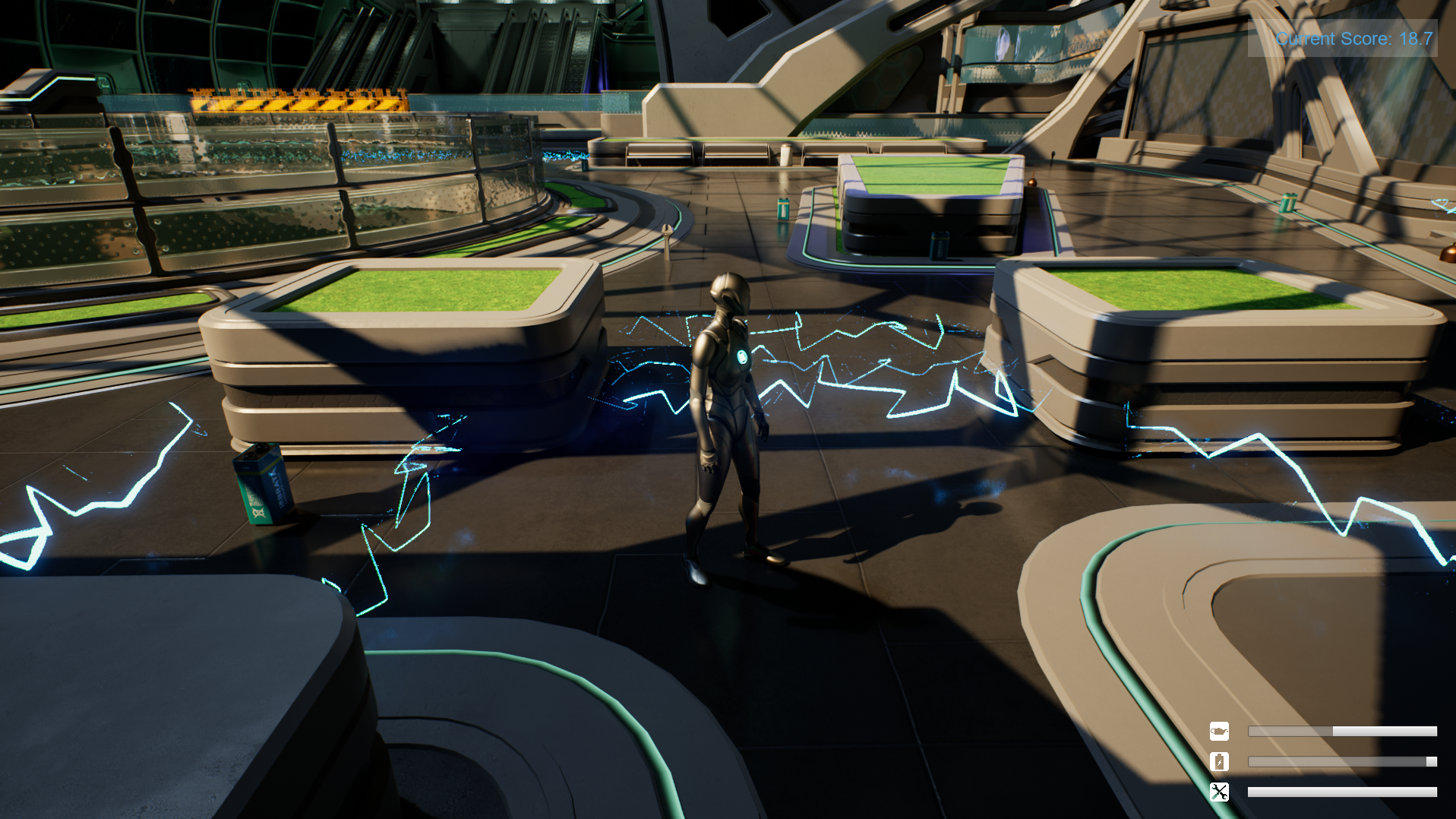
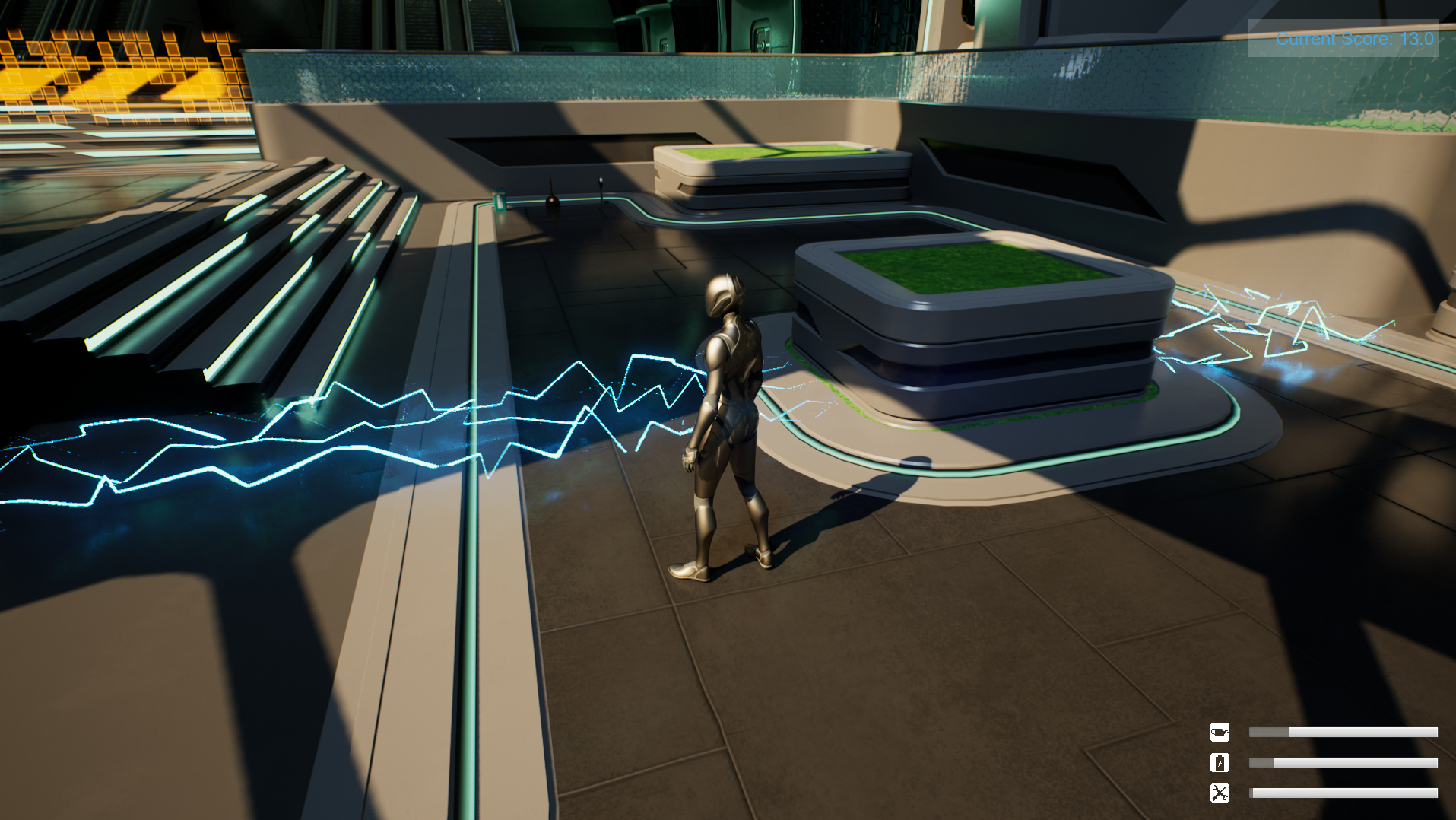
DESCRIPTION:
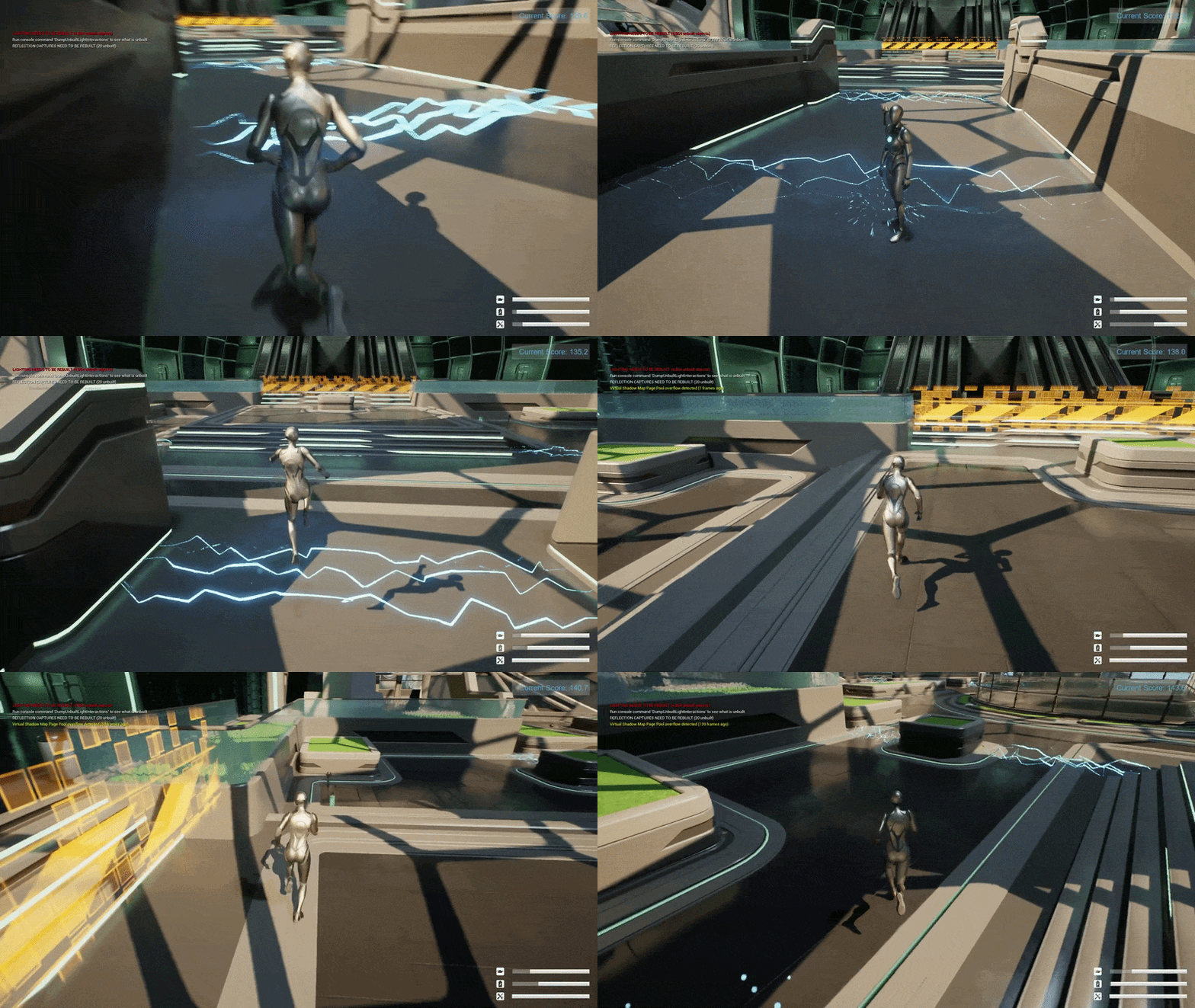
This core gameplay system runs the main loop of the game: it tracks score over time, updates the key survival meters (like battery/oil/health-style bars), and triggers the right UI feedback as the player’s status changes. When a fail condition hits, it cleanly pauses gameplay, shows the end-game screen, and saves things like the final score/high score through a SaveGame setup so progress persists between sessions.