JETPACK SYSTEM
FULL PLAYTHROUGH VIDEO
Platform: PC/Windows.
Game Engine: Unreal Engine
Project Length: 2 weeks.
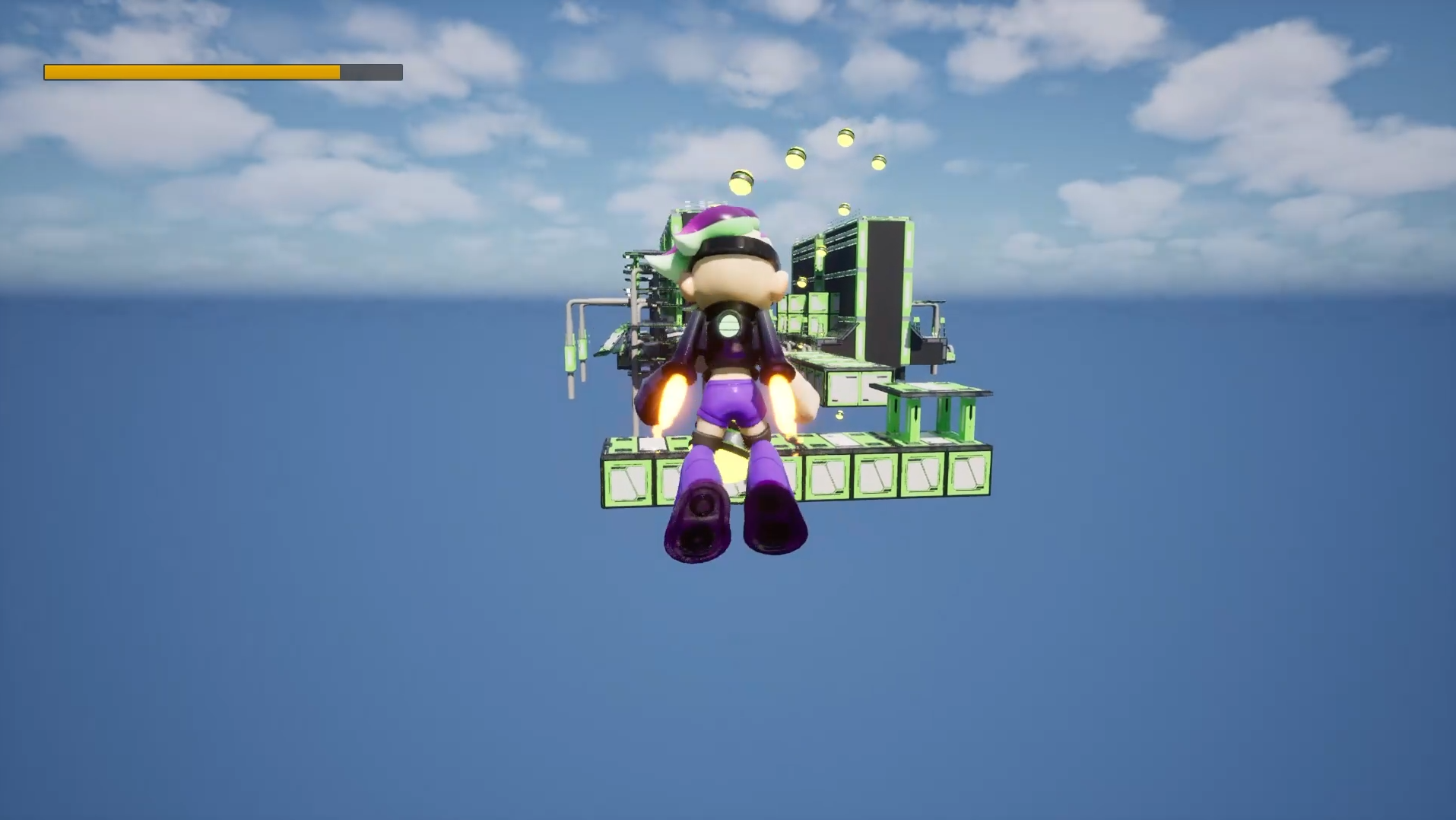
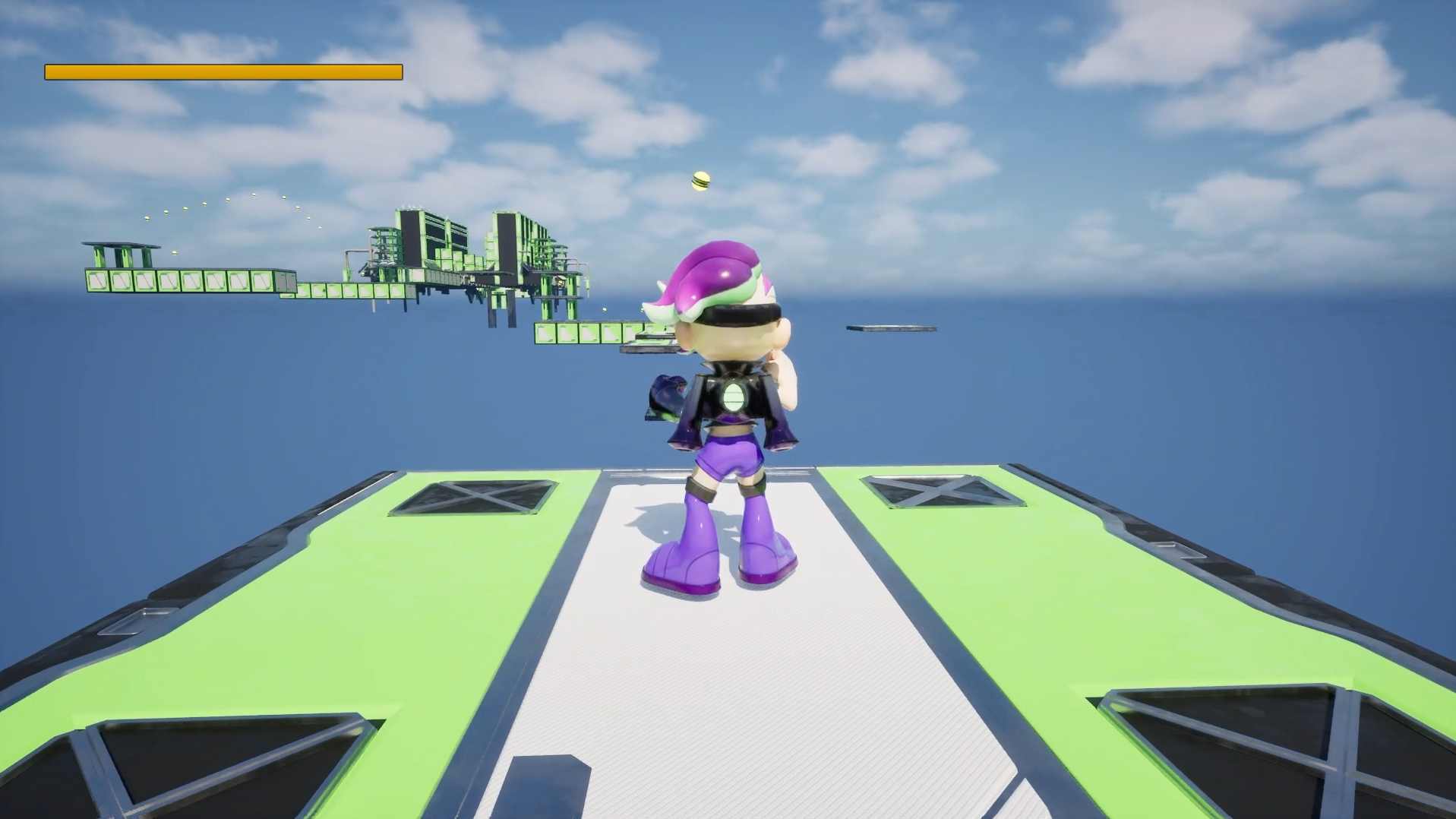
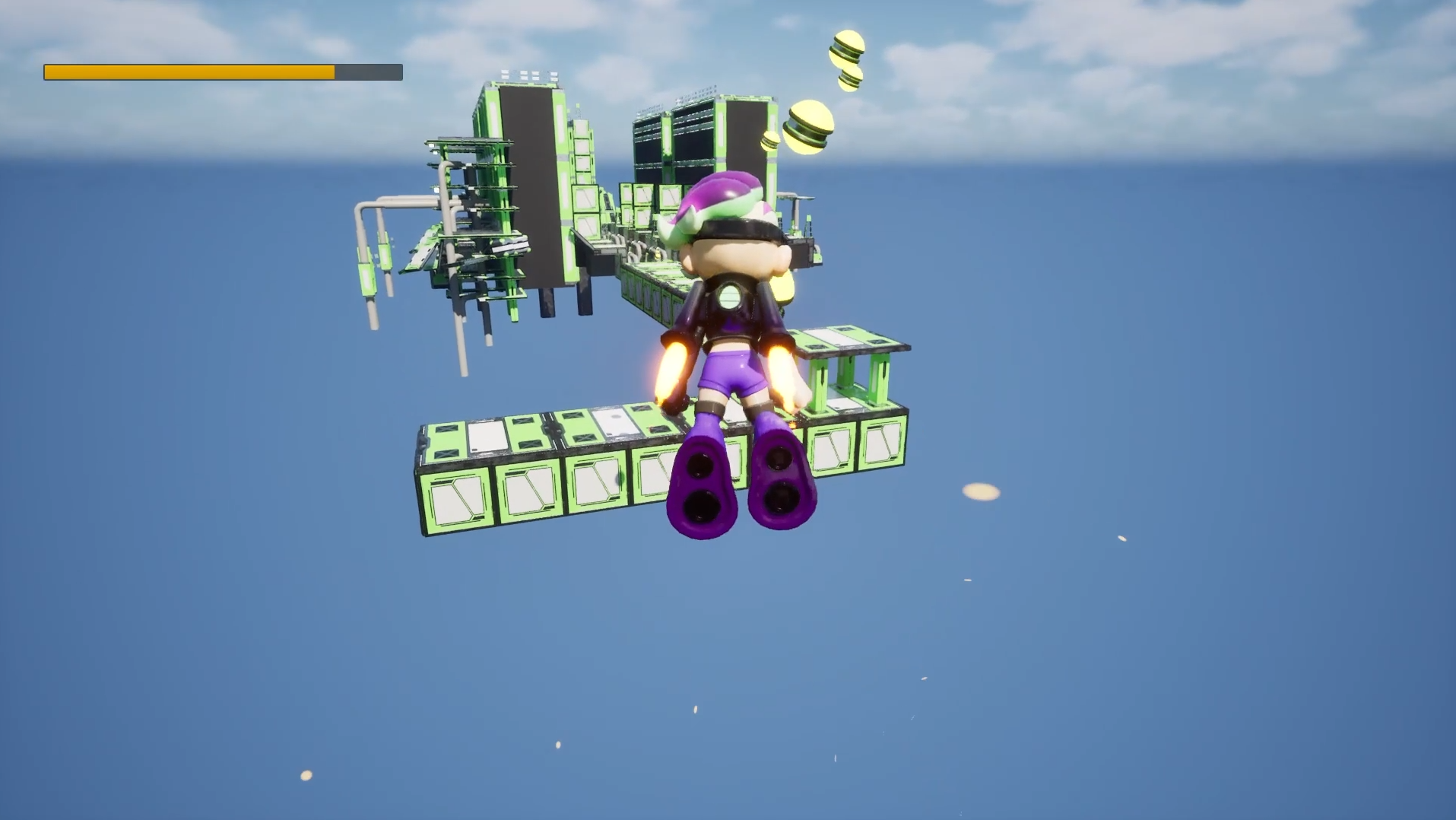
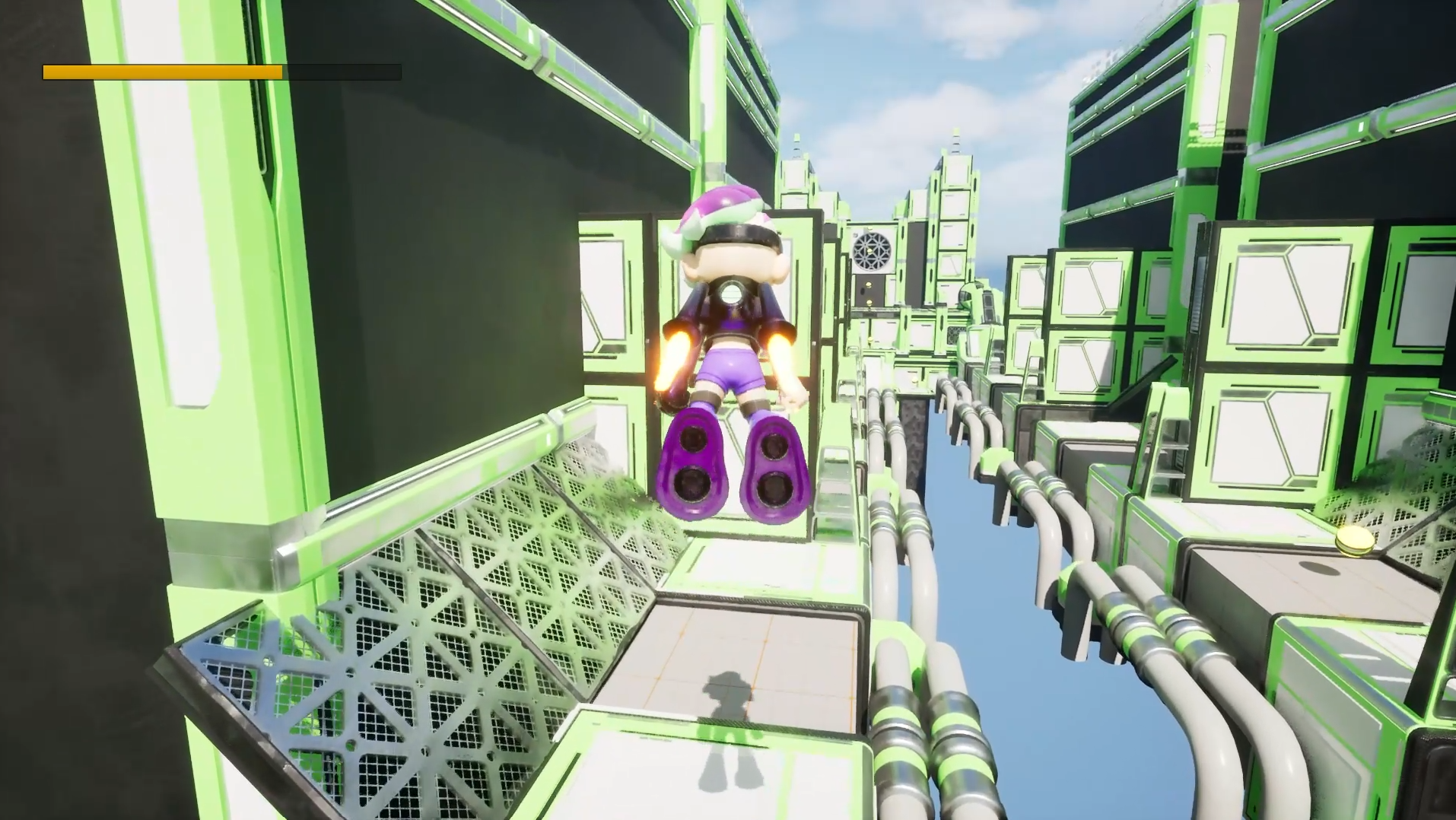
Description: Jetpack is a single-player prototype built in Unreal Engine that focuses on the design and implementation of a modular, fuel-based movement system, developed entirely using Blueprint interfaces to remain portable and dependency-free. The project explores how resource management, player input, and physics-driven motion can be structured through interfaces to create flexible, reusable, and easily extendable gameplay logic. Designed as a systems-first experience
Environment: Druid Mechanics
CMD+SCROLL OR CTLR+SCROLL - ZOOM IN AND OUT.
RIGHT CLICK - NAVIGATE AROUND THE BLUEPRINT.
FULLSCREEN - SIMILAR INTERACTION TO UE BLUEPRINTS.
HOW I MADE IT?
JETPACK SYSTEM
FUEL INTERACTIONS AND LOGIC
FUEL PICKUP ACTOR
DESCRIPTION:
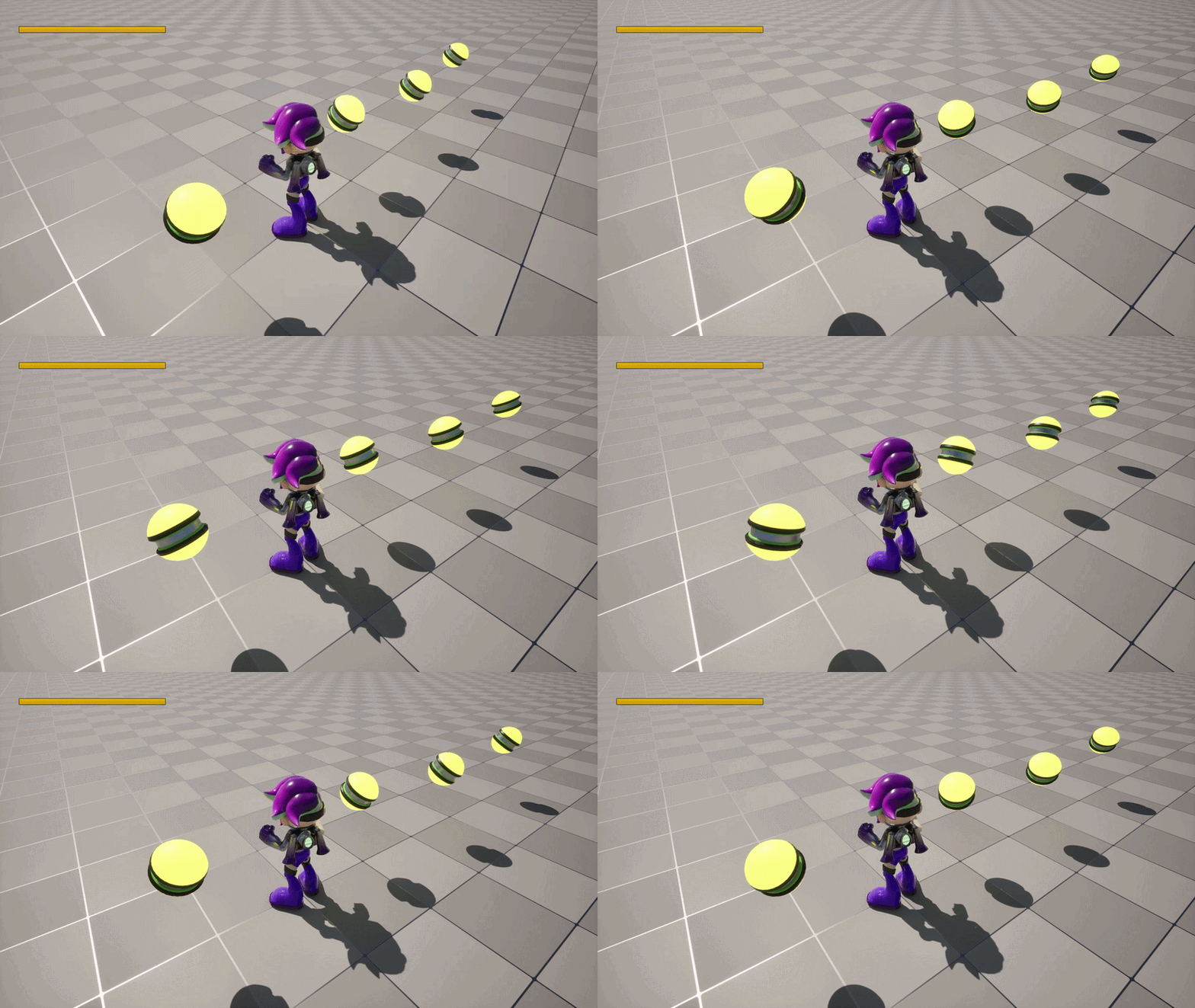
This fuel pickup is kept simple and readable: it slowly rotates every tick so it’s easy to spot, and when the player overlaps it, it refills fuel and immediately plays the pickup sound/VFX (loading the effect if needed). After that, it disables collision and runs a quick “shrink out” timeline before destroying itself, so the pickup feels clean instead of popping out of existence.
This pickup effect logic gives the player immediate feedback when they collect an item. It plays a pickup sound right away, then either spawns the visual effect if it’s already loaded or loads it asynchronously first before spawning it at the pickup location, keeping the interaction responsive without causing performance spikes.
PLAYER CONTROLLER AND PLAYER CHARACTER
PLAYER CHARACTER
PLAYER CONTROLLER
DESCRIPTION:
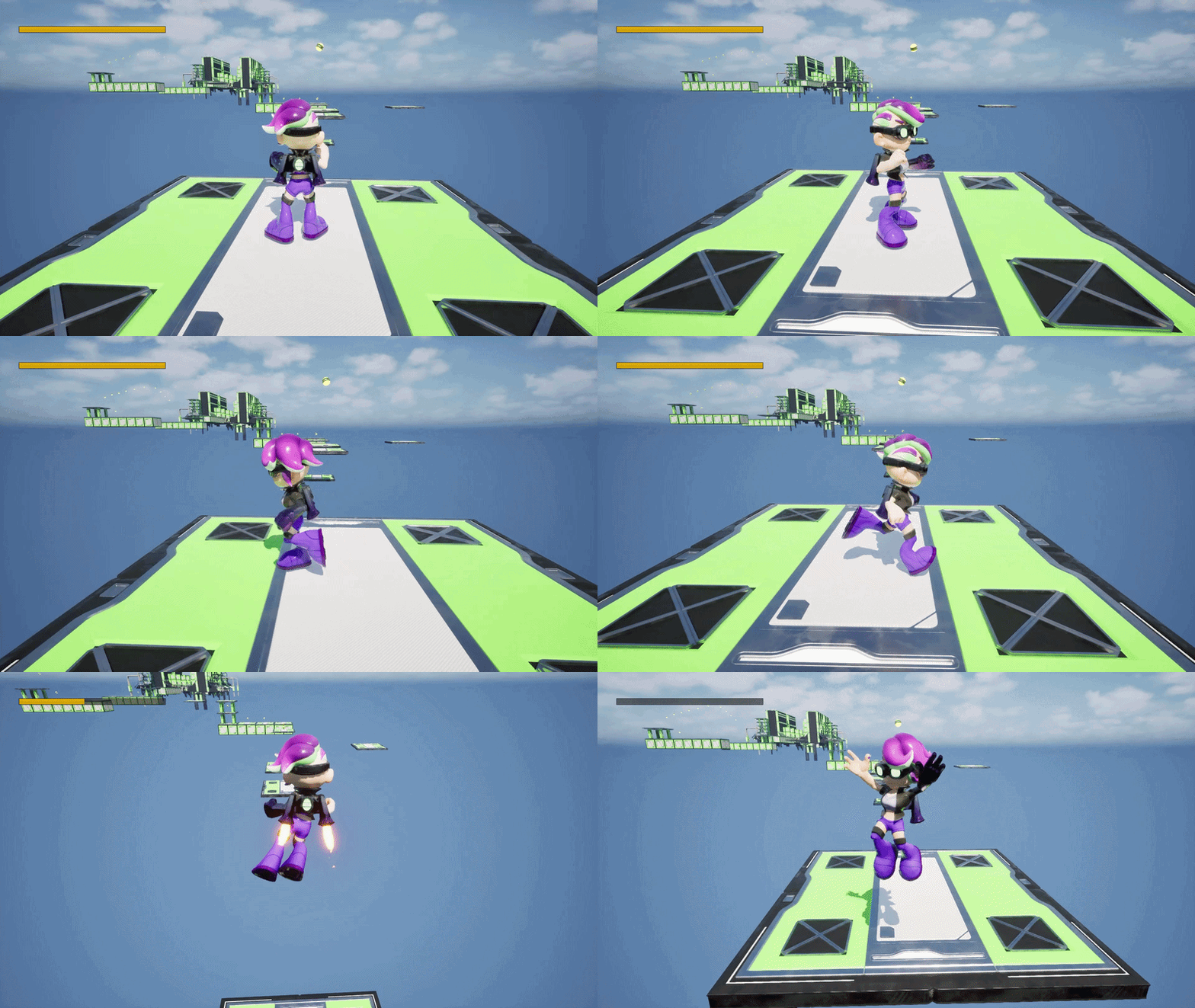
This player controller is the “brains” of the jetpack game — it sets up Enhanced Input, handles core movement/look/jump, and manages the jetpack by checking fuel, applying thrust while the button is held, and draining fuel until it runs out (then forces a stop). It also controls the end-game flow by loading the end menu, wiring up the Play Again/Quit callbacks, and cleanly switching input + pausing/unpausing so the transition feels seamless.
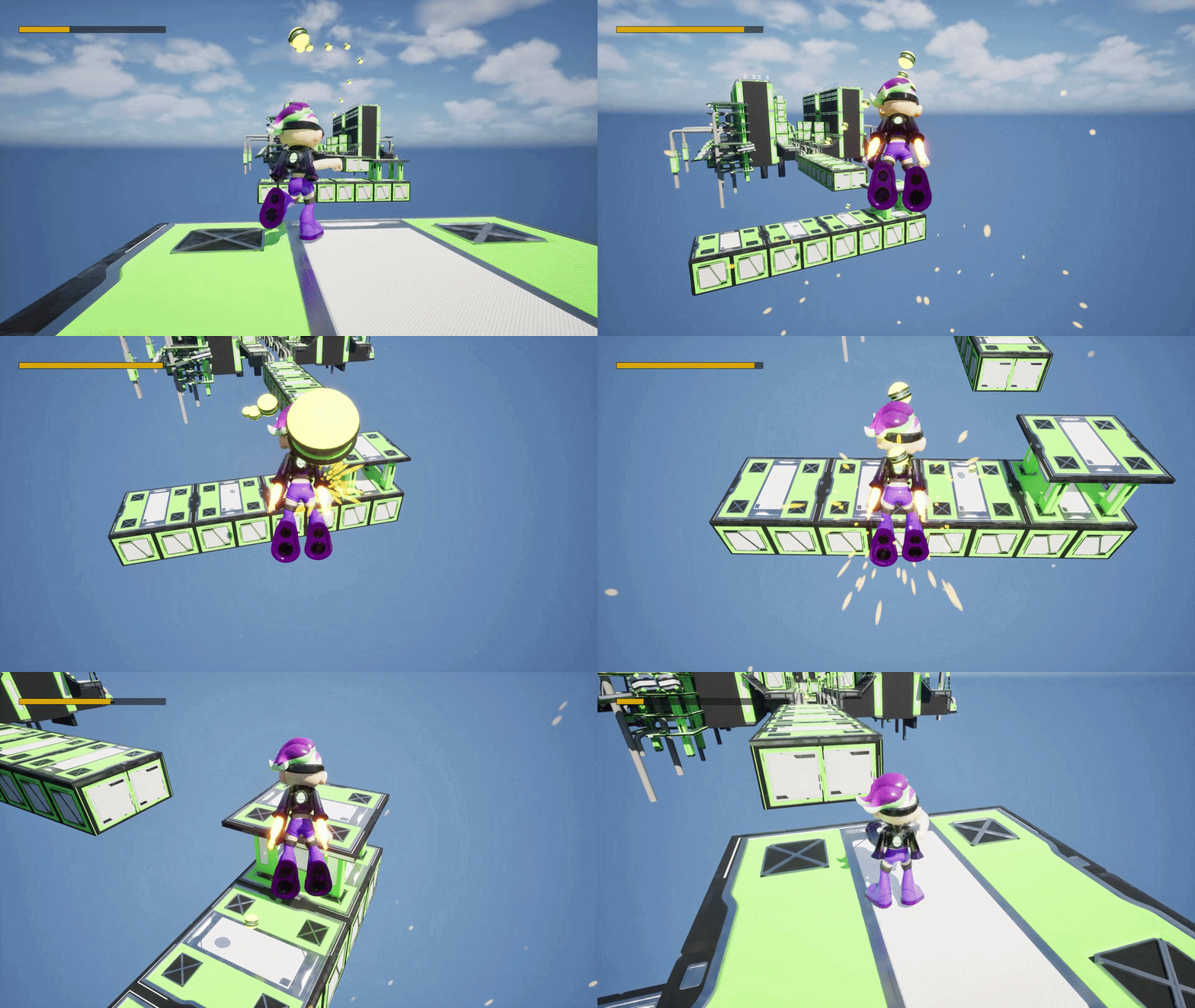
This player character ties the jetpack mechanics together in a very hands-on way. It handles starting and stopping the jetpack by turning thruster visuals and sounds on or off, manages fuel refills and “out of fuel” feedback with async-loaded sound effects, and cleanly triggers win or lose states that lead into the end-game UI.
HANDLE REFILL FUEL
DESCRIPTION:
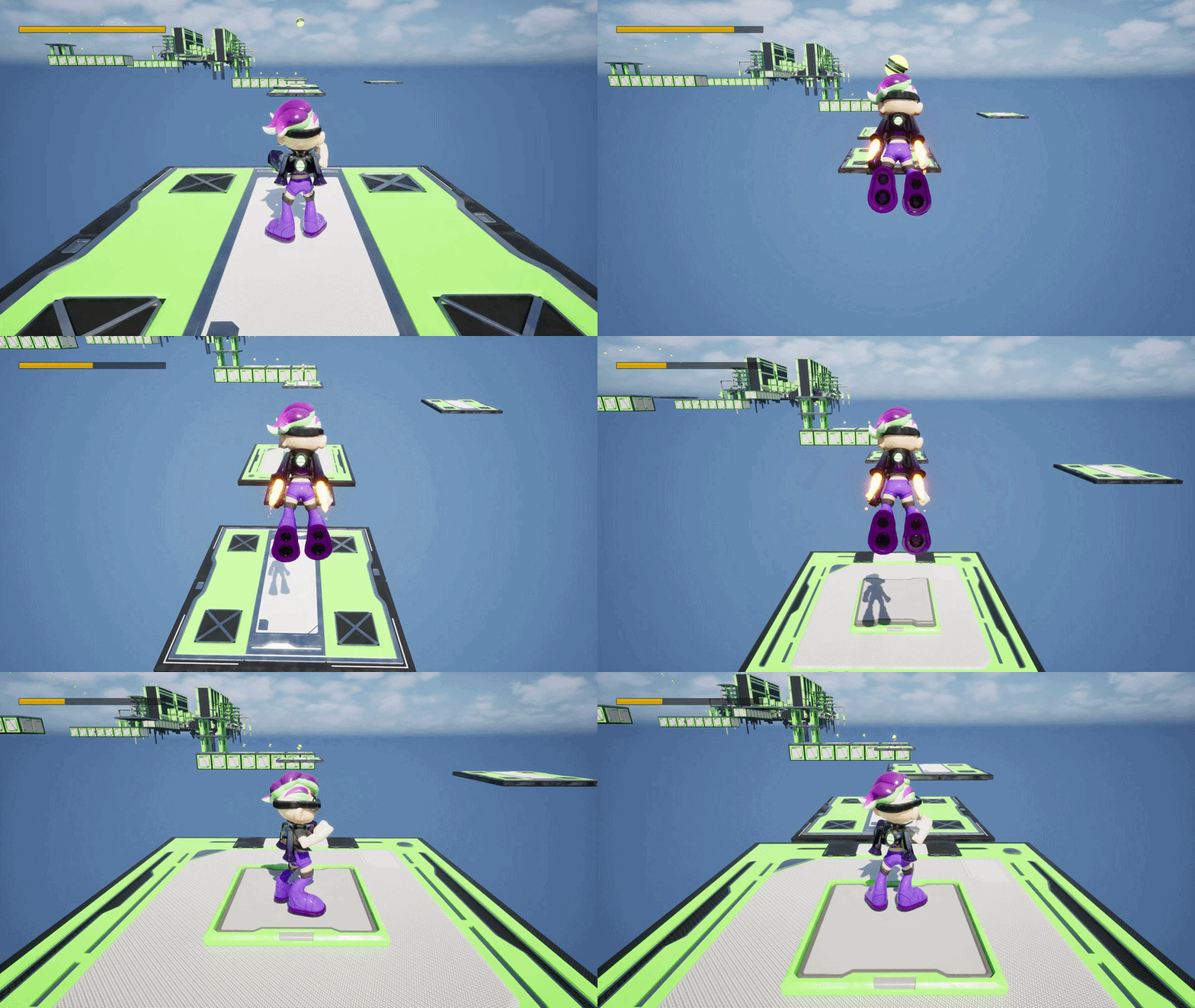
This refill function simply adds the pickup fuel amount to the player’s current jet fuel, then clamps it so it never goes above the max (or below zero). Right after updating the value, it calculates the new fuel percentage and pushes it to the UI so the fuel bar updates instantly.
THRUSTER VISUALS
DESCRIPTION:
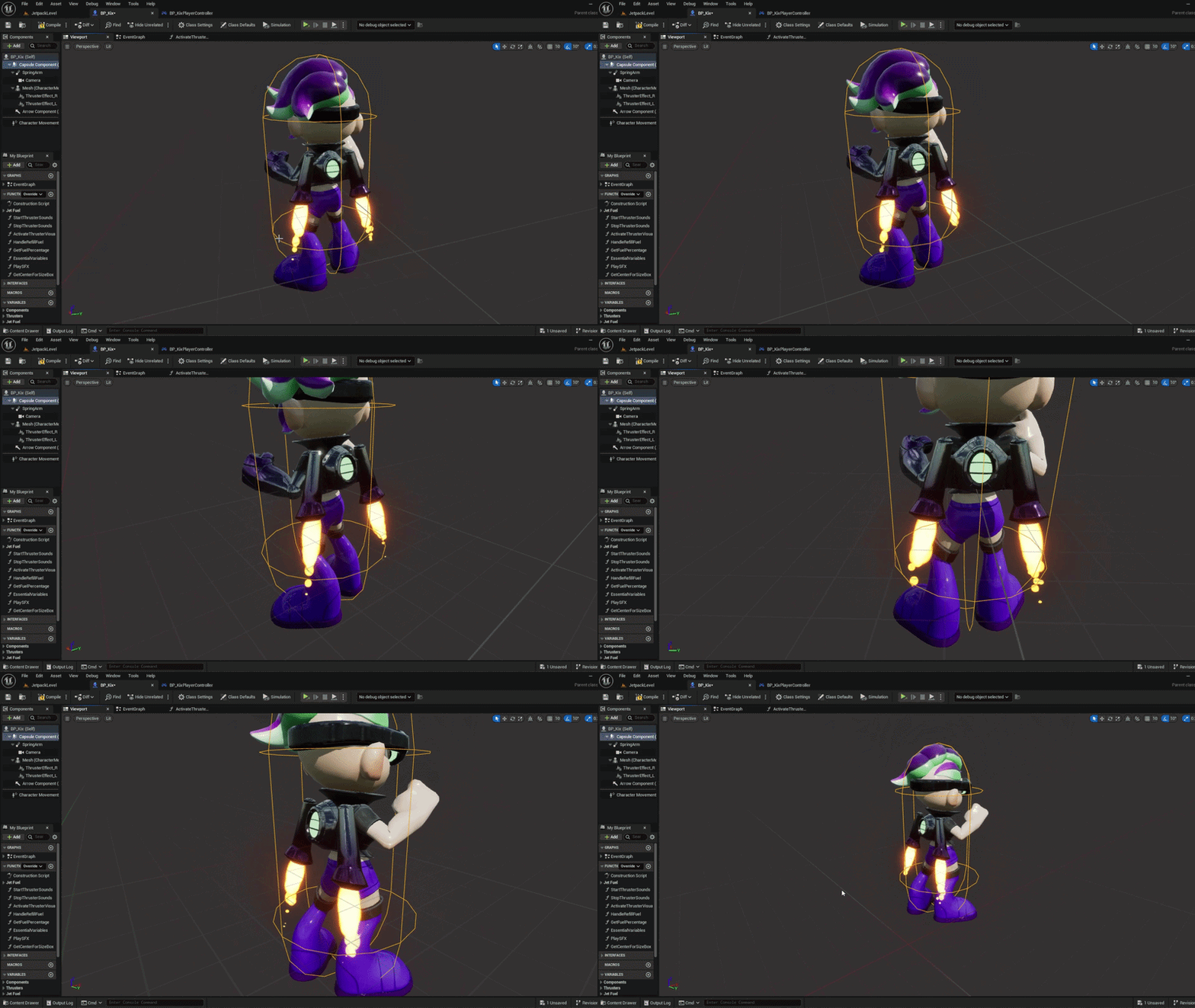
This function simply turns the jetpack visuals on or off based on whether the thrusters are active. When enabled, both left and right thruster effects are activated together, and when disabled they’re cleanly shut down so the visuals always match what the player is actually doing.
ASYNC-AUDIO LOADING IMPLEMENTATION
THRUSTER AUDIO
DESCRIPTION:
This logic handles the jetpack audio in a way that feels smooth and polished. It plays a short start-up sound, then fades into a looping thruster sound that stays attached to the player, reusing the audio if it already exists and blending it in or out so the jetpack never sounds abrupt or jarring.
This setup makes sure the sound effect is handled safely and efficiently. If the SFX asset is already loaded, it plays immediately at the player’s location; if not, it loads the sound asynchronously first and then plays it, avoiding hitches while keeping the feedback instant and reliable.